Trim and join clips
Drag clip edges to trim. Split, reorder or join clips on the timeline.
How to trim and join videos little cut.
Drop in a clip, cut it, add text or music, then download an MP4.
Runs in your browser. No signup, no install, nothing uploaded.
Works best in desktop Chrome, Edge or Firefox.
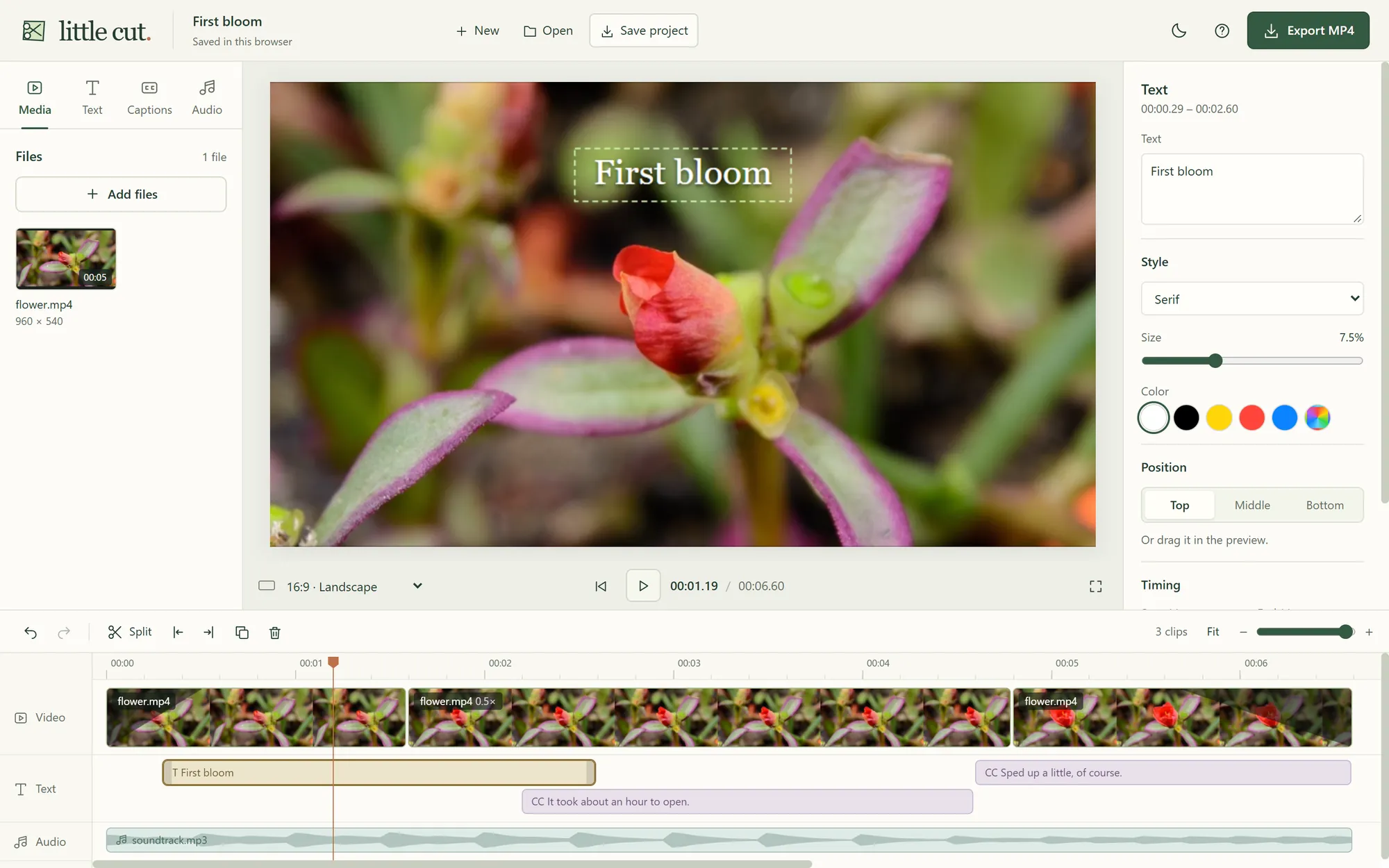
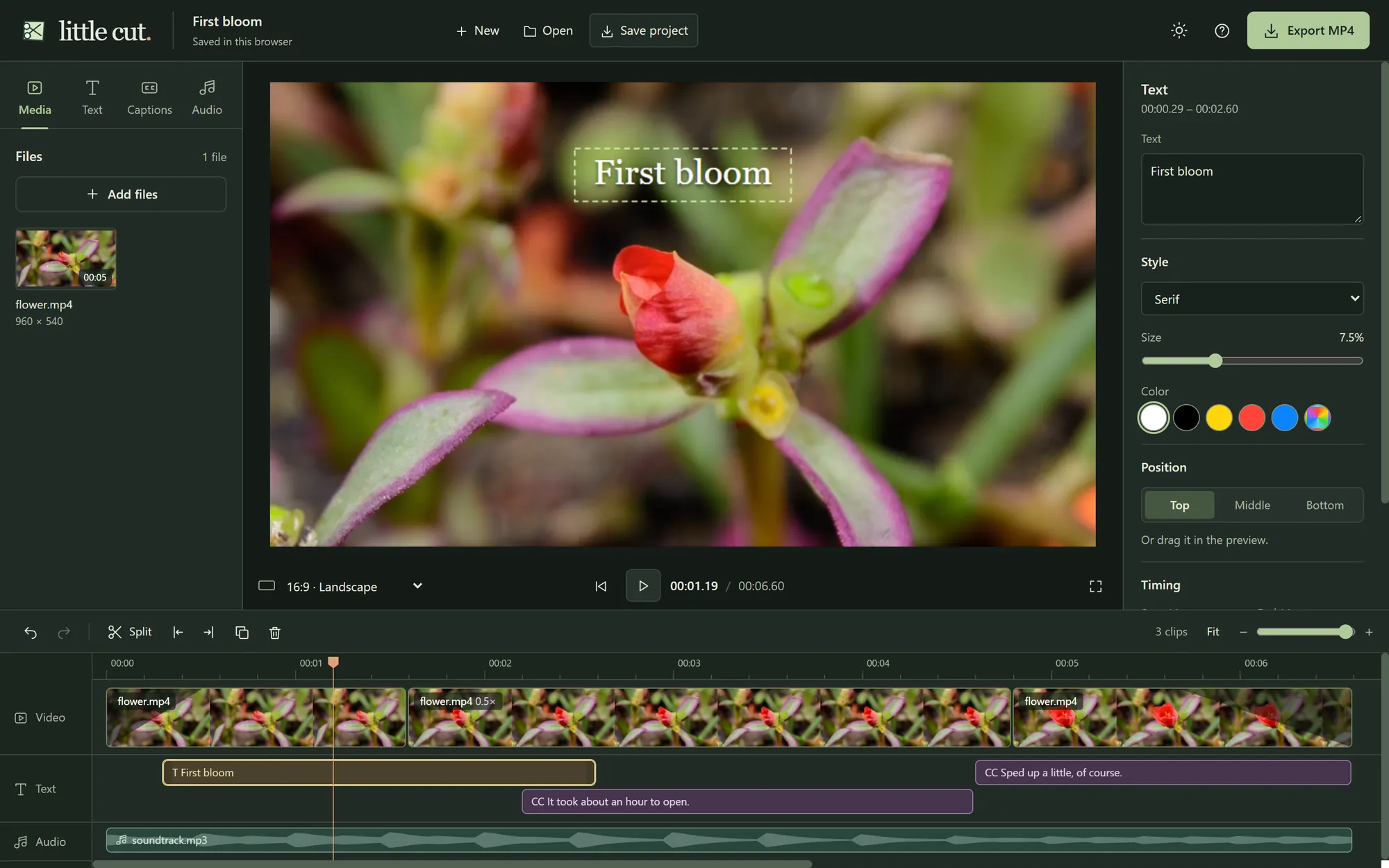
Drag clip edges to trim. Split, reorder or join clips on the timeline.
How to trim and join videosLandscape, square or portrait. Use 9:16 for Shorts and TikTok, then crop to fill or keep the whole picture over a blurred background.
How to resize a video for ShortsHow to rotate a video
Type captions or import SRT / VTT files. Add titles, music and voiceovers, each on its own strip.
How to add text to a videoHow to add music to a videoHow to add subtitles to a videoNo. Open the editor and drop in a video.
Yes. You can edit and export videos for free, without a watermark or an account.
MP4 at 720p or 1080p, at 24, 30 or 60 frames per second.
No. Type them or import an SRT or VTT file.
No. Editing and export happen on your device.
Click Save project to download a file with your edits and media. The editor also autosaves in this browser when storage is available. Clearing browser data deletes that autosave.
Use a desktop for now. Mobile editing and export are not fully supported yet.